Dahua NVR5216P-EI2 / EmpireTech #NVR16CH-16P-2AI-S2

Sep 5, 2016
39,397
87,480
The Swamp
Last edited:
#3) Event History does not work AND Events clear as soon as you click off

When viewing the "Event Center", all events shown disappear the moment you click off of that tab.
Also they are are not shown in Event History

View attachment Recording 2026-03-15 122844.mp4
 
Last edited:
#5
 
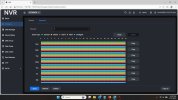
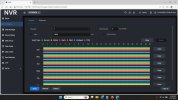
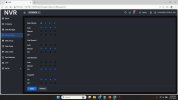
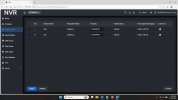
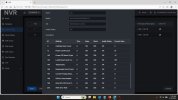
schedulesnapshot.jpg schedulevideo.jpg

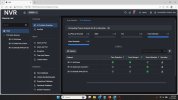
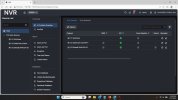
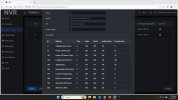
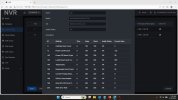
FD-VMD-byRecorder.jpg IVSbyCamera.jpg videomode.jpg
 
Last edited:
Yep, went over it on the phone with Jeff as well and can't figure out why mine wont create a databse?

What browser are you using?
 
Can you confirm any of the other 3 issues?
 

Attachments

  • ad6a13739cb8a0acca0267494fc02a88.png
    ad6a13739cb8a0acca0267494fc02a88.png
    41.7 KB · Views: 22
  • 24c772aebcd2a5ea4baf54a0e7892415.png
    24c772aebcd2a5ea4baf54a0e7892415.png
    297.1 KB · Views: 23
  • cac8962d8ea9788667793d688275c992.png
    cac8962d8ea9788667793d688275c992.png
    43.2 KB · Views: 22
  • Like
Reactions: EMPIRETECANDY
Hi Bigredfish
Don't want to tell you how to suck eggs! How are the issues with control via direct connection via NVR/monitor, obviously not via web browser. Or utilise a different browser. I've almost given up with edge as latest updates has caused multiple issues even controlling my elderly NVR 5/4KS2. I've found the brave browser more useful.
 
  • Like
Reactions: bigredfish
Hi Bigredfish
Don't want to tell you how to suck eggs! How are the issues with control via direct connection via NVR/monitor, obviously not via web browser. Or utilise a different browser. I've almost given up with edge as latest updates has caused multiple issues even controlling my elderly NVR 5/4KS2. I've found the brave browser more useful.

Have tried Brave, Edge, IE, Chrome, Pale Moon
 
Hi @bigredfish ,
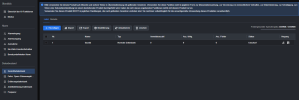
Looking at your videos for creating a database, it seems the NVR does not has any disk space to store a database :
View attachment 240010
Maybe you have to look into the hardware connection of the disks or any other disk config in the NVR setup?

Why is it recording video then?

Pretty sure once they record full it always shows that

And SMART shows all OK

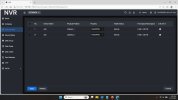
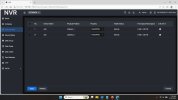
HDs.jpg
 
Last edited:
Hard drives both show to be fine and 4 weeks of recording


diskcheck.jpg HDs.jpg


disc2-1.jpg disc2-2.jpg
disc1-2.jpg disc1-1.jpg
 
Thanks
 
The engineer suggest to make a format to the Disk. But if not want to lose the data, can try to test with some other spare HDD If have.
I will ask them to do a remote checking very soon with bigredfish. Thanks for your support!
 
  • Like
Reactions: Flintstone61